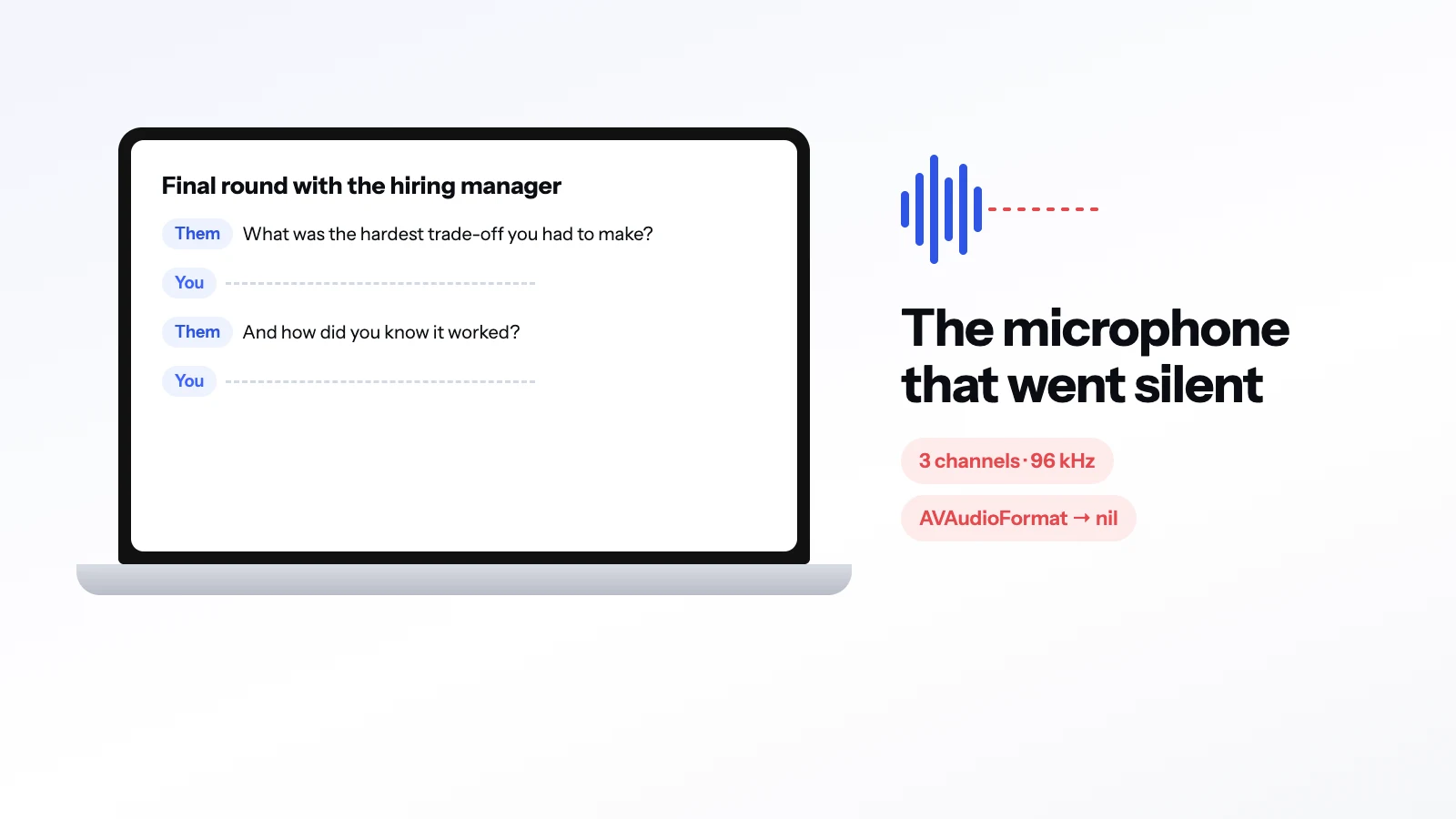
From 7 October until the fix, the Mac app heard nothing from the built-in microphone on MacBook Pros where macOS delivers it as 3 channels at 96 kHz. The app did not crash. The "You" lines in the transcript stopped appearing and the on-screen reading position stopped moving. The fix is in Mac 1.0.6, build 52.
What was happening#
MagicInterview for Mac records two sources: the other side of the call, and your microphone. Both are converted to one common format, mono at 16 kHz, before they reach speech recognition.
On the affected MacBook Pros, macOS now delivers the built-in microphone as 3 channels at 96 kHz. It has no channel layout, the description of which channel is which. Apple's audio format class needs a layout for anything beyond two channels, so creating the source format returned nil.
Our converter treated a missing format as silence and returned an empty buffer:
guard CMSampleBufferDataIsReady(sampleBuffer),
      let description = CMSampleBufferGetFormatDescription(sampleBuffer),
      let streamDescription = CMAudioFormatDescriptionGetStreamBasicDescription(description),
      let sourceFormat = AVAudioFormat(streamDescription: streamDescription) else {
    return []
}
So every microphone buffer was dropped, quietly, before recognition ever saw it. The other side of the call comes through a separate path and was unaffected, which is why Them lines kept appearing while You lines did not.
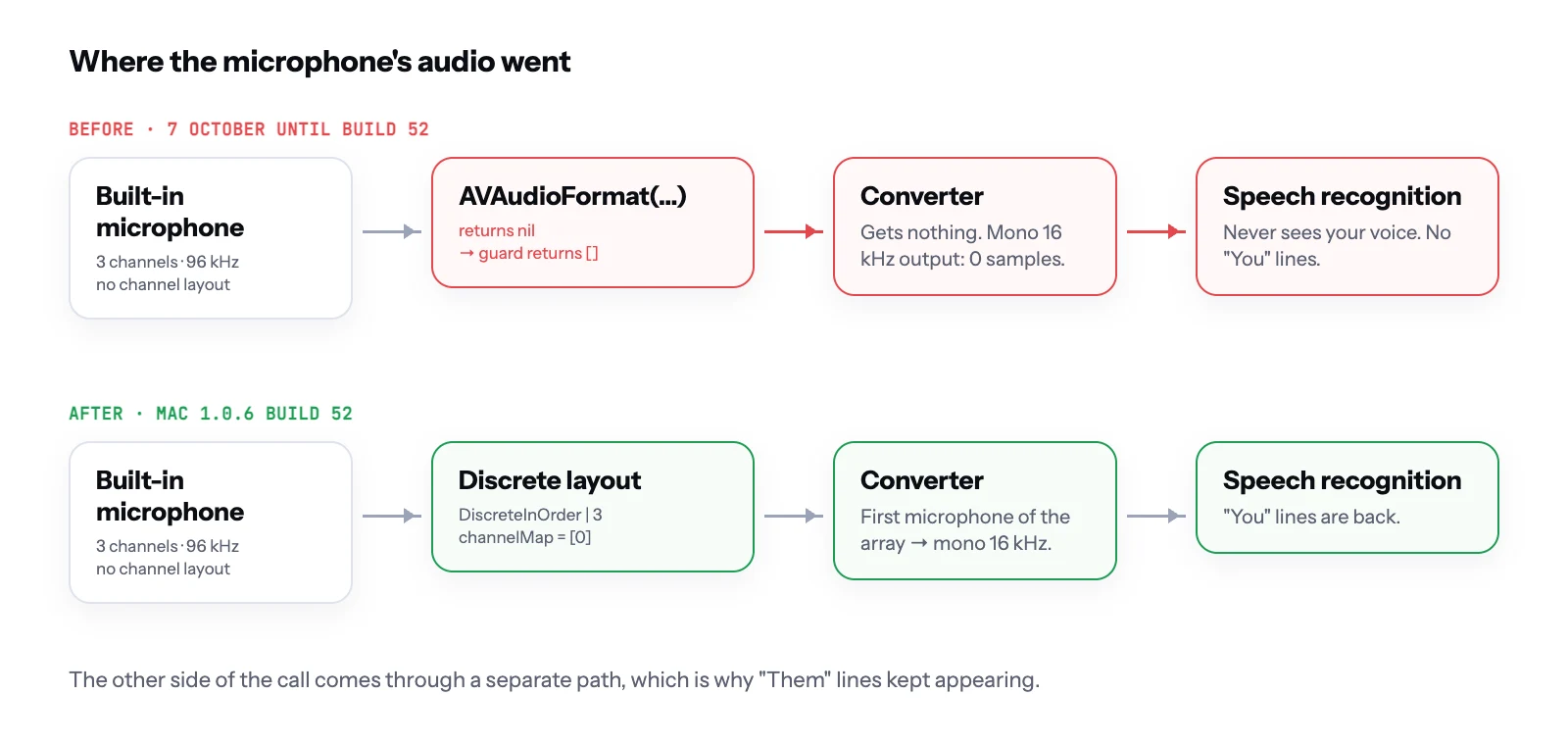 Where the microphone's audio went, before and after build 52.
The fix#
Build the format with a discrete layout when the system does not provide one, and read from the first microphone of the array:
private func audioFormat(_ stream: UnsafePointer<AudioStreamBasicDescription>) -> AVAudioFormat? {
    if let format = AVAudioFormat(streamDescription: stream) { return format }
    let channels = stream.pointee.mChannelsPerFrame
    guard channels > 2, let layout = AVAudioChannelLayout(layoutTag: kAudioChannelLayoutTag_DiscreteInOrder | channels) else { return nil }
    return AVAudioFormat(streamDescription: stream, channelLayout: layout)
}

// A microphone array is read from its first microphone.
if incoming.mChannelsPerFrame > 2 { converter?.channelMap = [0] }
A discrete layout says "these are separate channels, in order" without claiming they are a speaker arrangement, and the converter then reads the first microphone of the array.
The lesson: measure the converter's output first#
When a stage of an audio pipeline goes quiet, the tempting suspects are the later ones: the recognizer, the language model, the transcript. Here the recognizer was fine. It was simply never given anything.
A guard that returns an empty result for unexpected input hides the failure. Two habits would have caught this sooner:
- Count what comes out of each stage. A converter that receives buffers and returns zero samples is a finding in itself.
- Treat "format could not be created" as an event worth logging, not as silence.
What did not change#
The change is narrow. The system's own format is tried first, and the discrete layout is built only when the system returns none, so mono and stereo microphones go through the same path as before.