Brand
Brand and Ad Library
MagicInterview campaign images, search ad copy, brand guidelines and app links for live interview answers.
Campaign library
Download image packLive interview answers
Download campaign images and search copy for live answers based on the conversation, your CV and the role.
Know what to say during the call
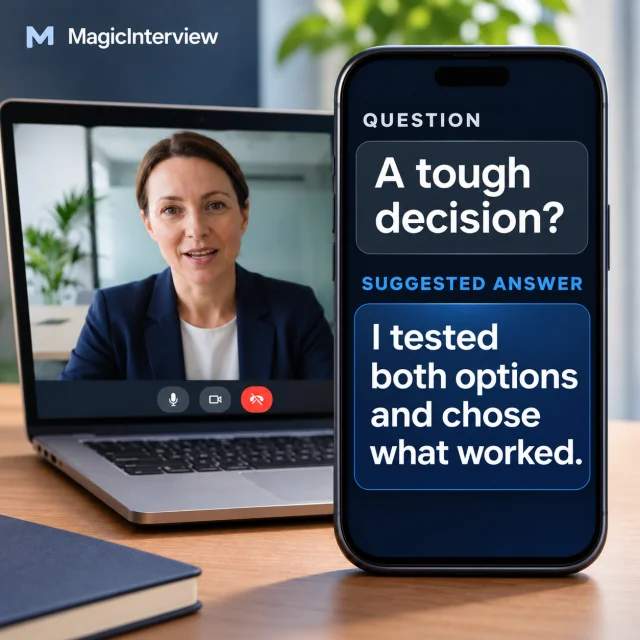
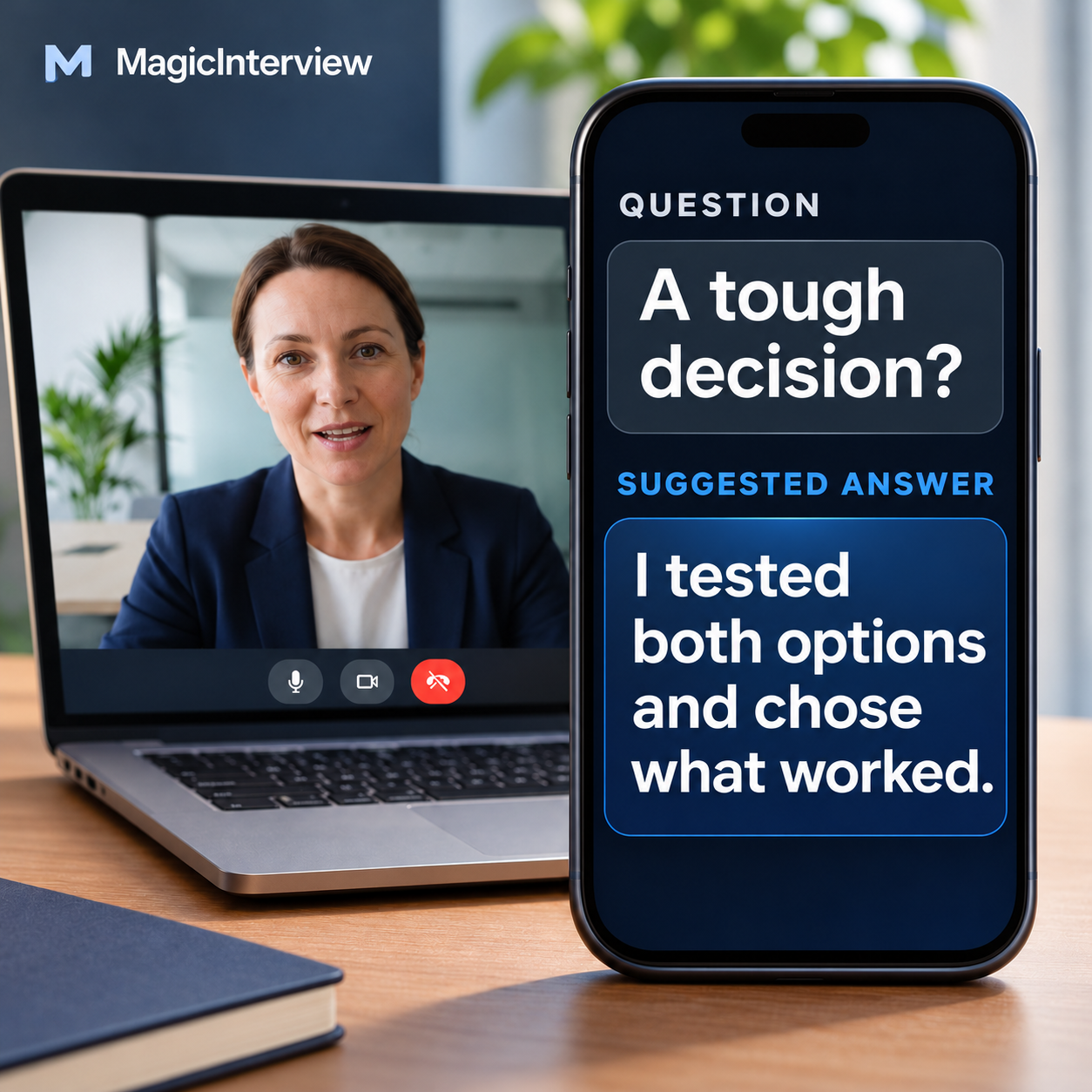
One visual idea: the interviewer asks a question, and MagicInterview suggests an answer beside the call.
Image formats
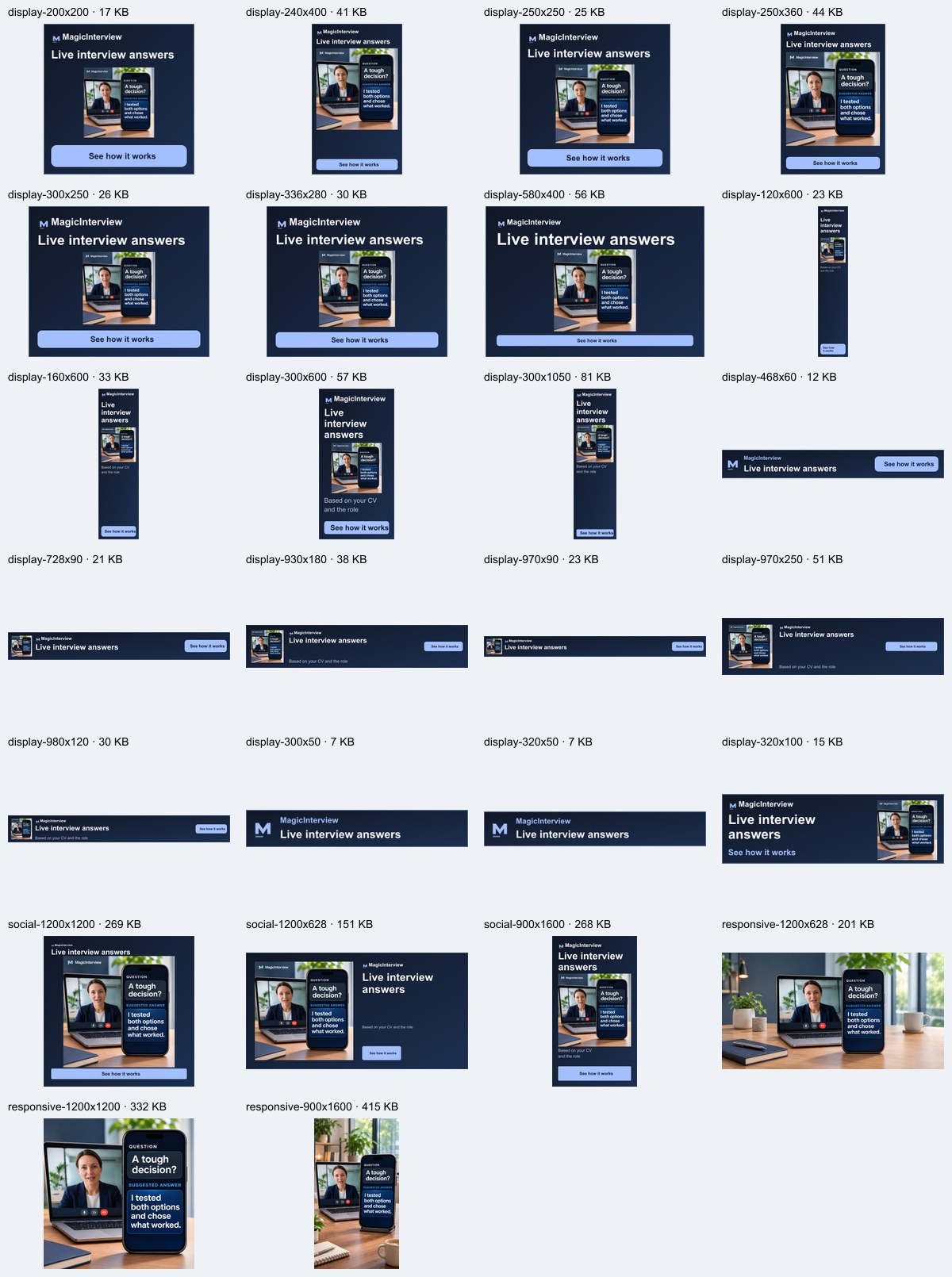
Showing 26 of 26 image assets · 9.3 MB ZIP
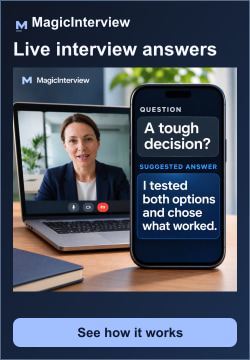
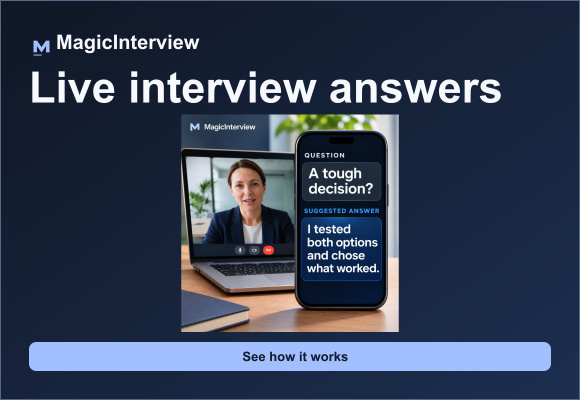


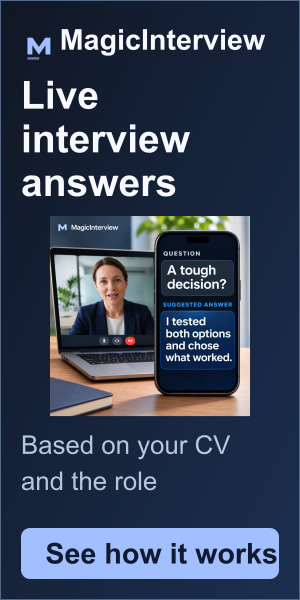
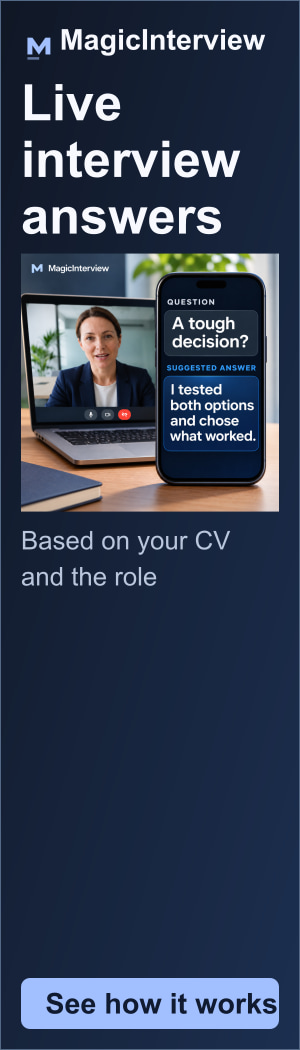




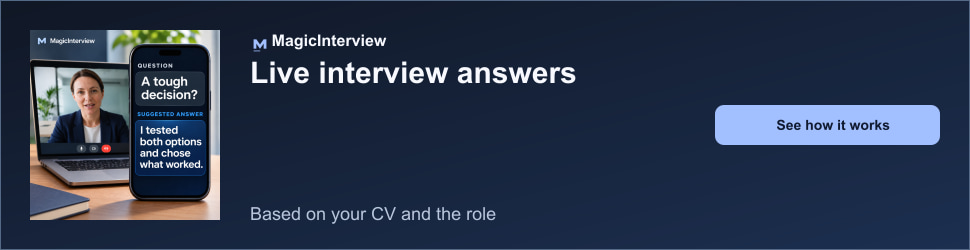



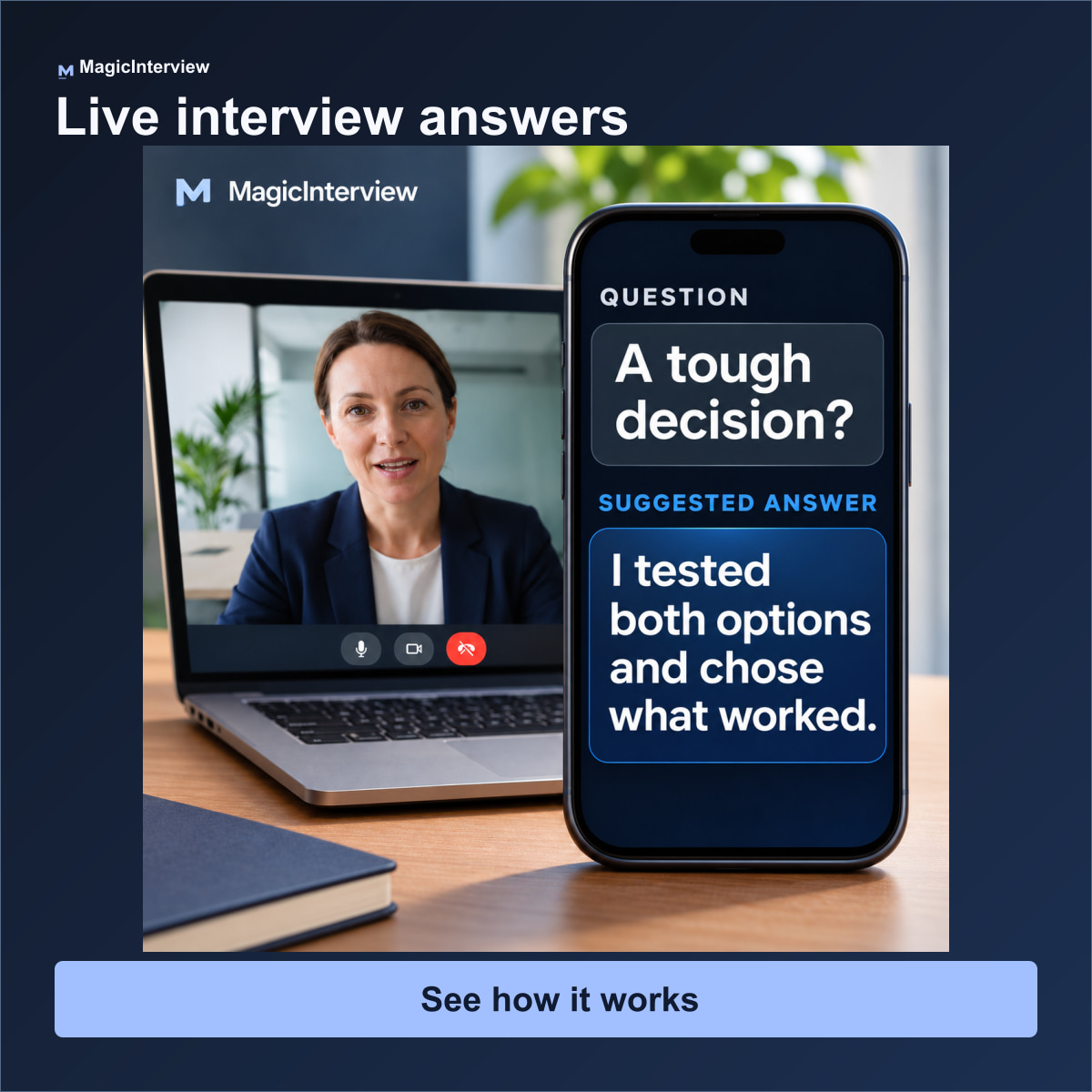
1200 × 1200
1200 × 1200Branded social or direct-placement creative; not a clean responsive-display image
JPG · 275.3 KBDownload
1200 × 628
1200 × 628Branded social or direct-placement creative; not a clean responsive-display image
JPG · 154.4 KBDownload
900 × 1600
900 × 1600Branded social or direct-placement creative; not a clean responsive-display image
JPG · 274.4 KBDownload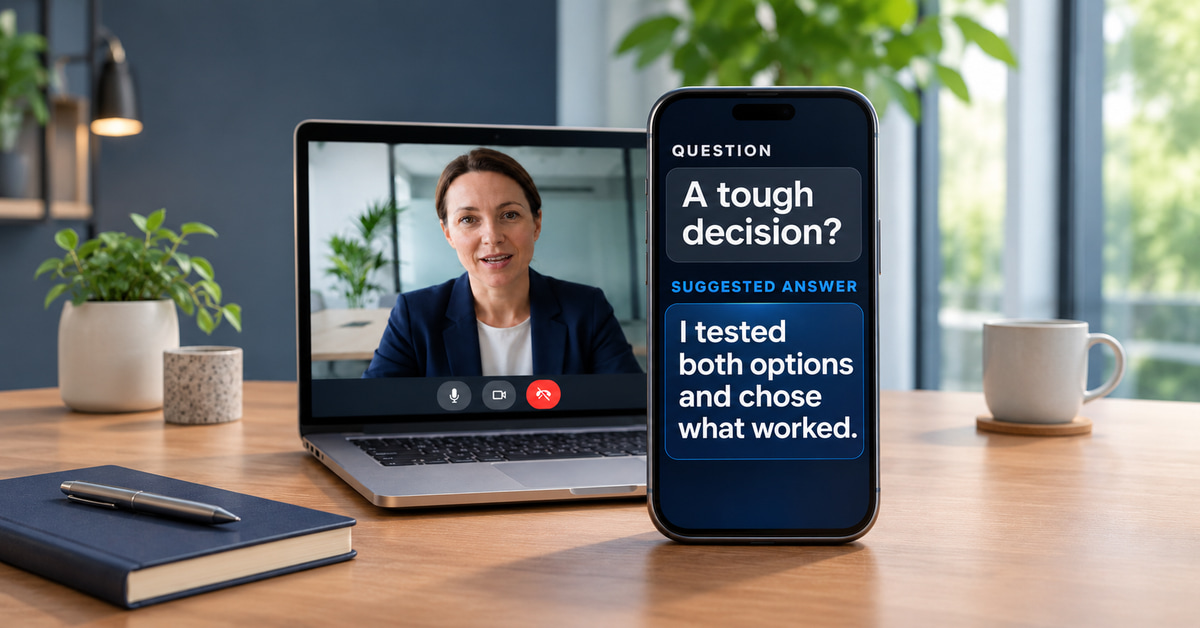
1200 × 628
1200 × 628Clean responsive image asset; supply your headline, description and logo separately
JPG · 206.1 KBDownload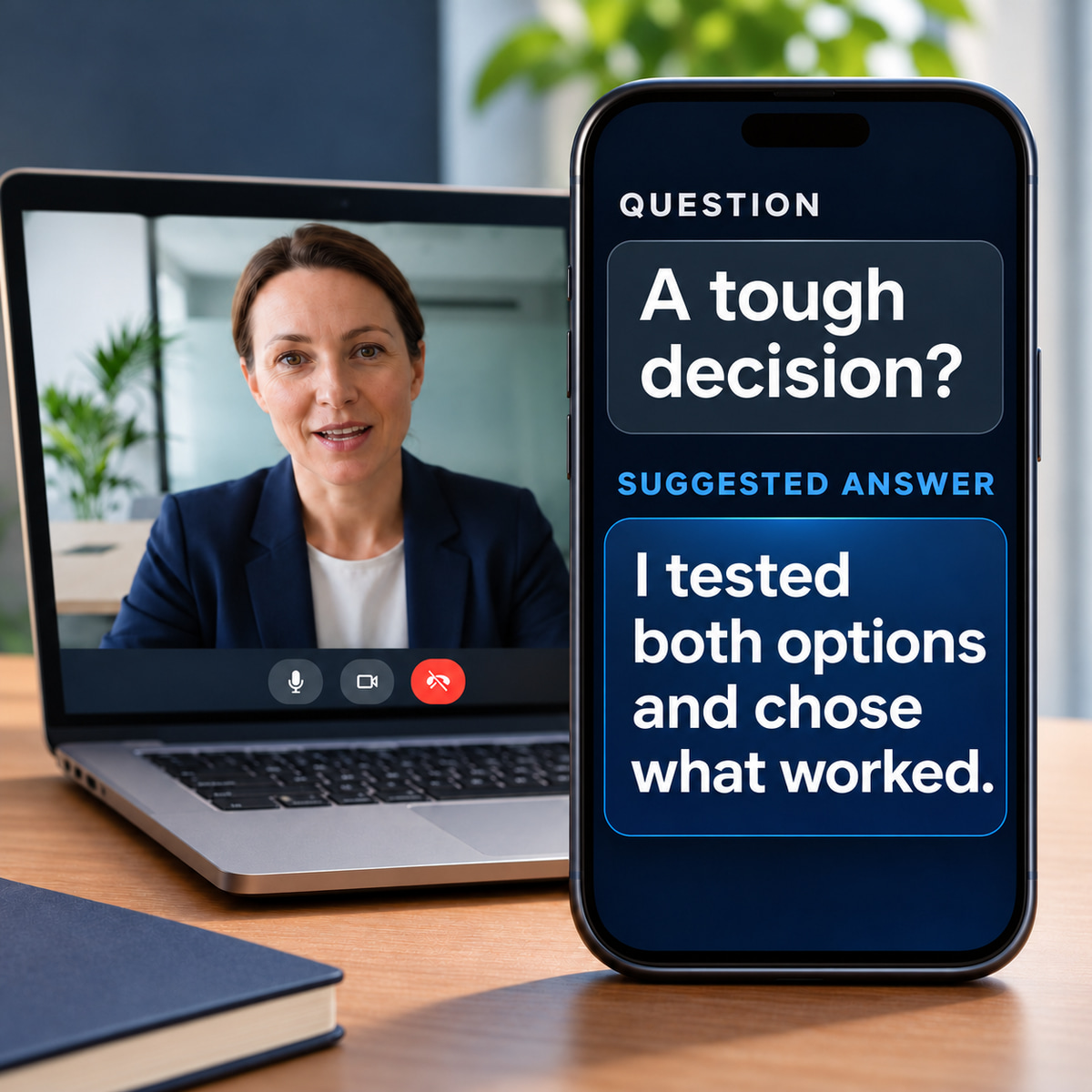
1200 × 1200
1200 × 1200Clean responsive image asset; supply your headline, description and logo separately
JPG · 339.9 KBDownload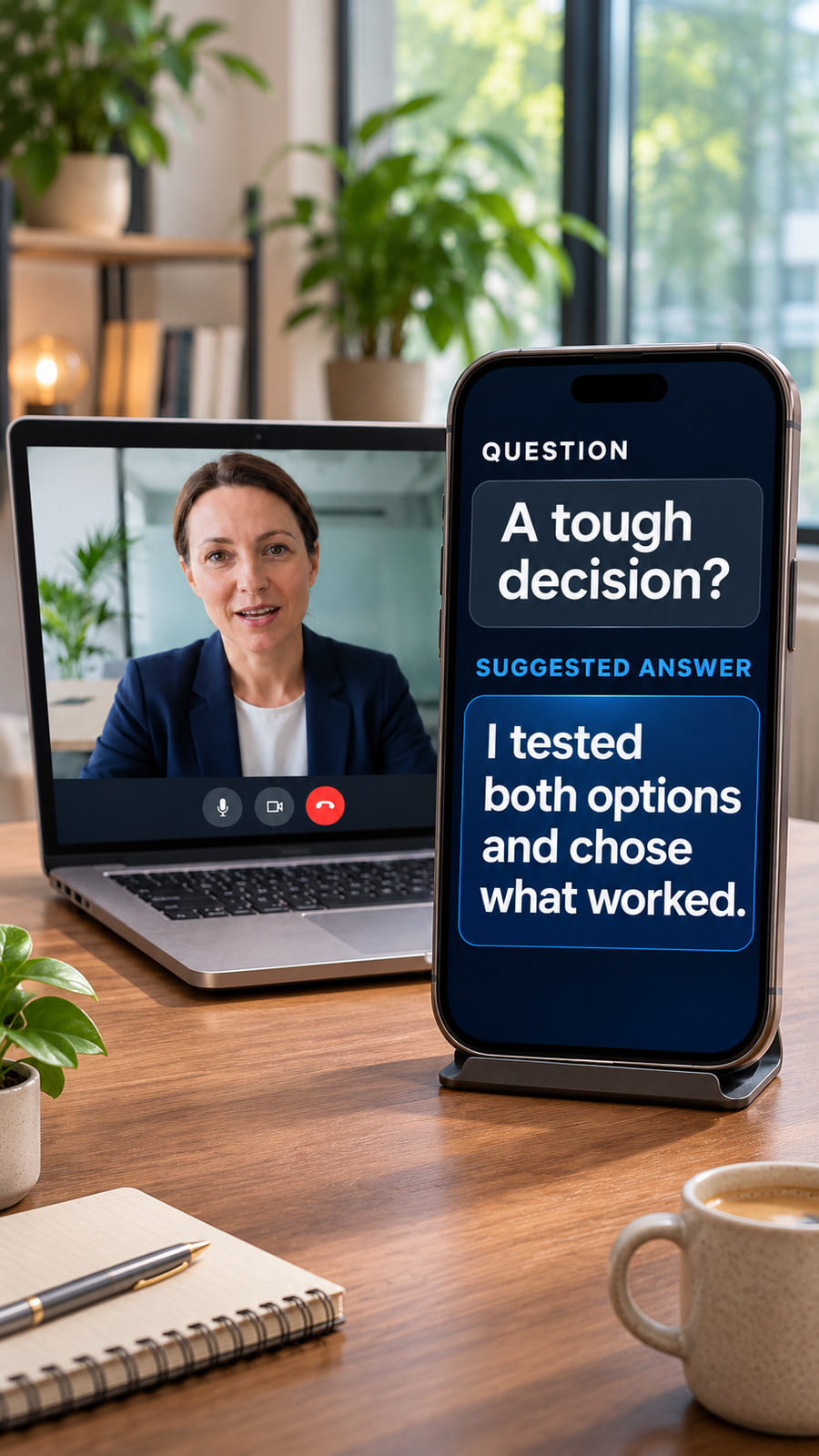
900 × 1600
900 × 1600Clean responsive image asset; supply your headline, description and logo separately
JPG · 425.2 KBDownloadGoogle responsive search ad copy
15 headline options, 4 descriptions and 2 display paths. Each fits the current character limit.
Search preview · illustrative combination
Sponsored · MagicInterview
magicinterview.ai › interview › live-helpLive Interview Answers | Answers Based on Your CV | MagicInterview Live Help
Get suggested answers during your interview, grounded in your CV and the job. MagicInterview listens to the conversation and helps you find the words to say next.
Google selects combinations and may shorten text. This preview does not represent a published ad.
Headlines 30 characters maximum
- Live Interview Answers22/30
- Know What to Say Live21/30
- AI Interview Assistant22/30
- Answers Based on Your CV24/30
- Your Experience, Clearer24/30
- Help During the Interview25/30
- Turn Questions Into Answers27/30
- Context for Every Answer24/30
- Keep Your Answer on Track25/30
- Real-Time Interview Support27/30
- See Answers on Your Phone25/30
- Bring Your CV Into the Call27/30
- Interview Help as You Speak27/30
- Speak With More Confidence26/30
- MagicInterview Live Help24/30
Descriptions 90 characters maximum
- Get suggested answers during your interview, grounded in your CV and the job.77/90
- MagicInterview listens to the conversation and helps you find the words to say next.84/90
- Keep live answer support beside your call. See the same conversation on your phone.83/90
- Bring your experience into each answer. Explore how MagicInterview works during a call.87/90
Display paths 15 characters each
- interview9/15
- live-help9/15
Final URL
Usage notes
- Fixed display banners include the message and brand. Use the listed pixel dimensions without stretching.
- Responsive images are separate inputs. Add headlines, descriptions and logos in the ad platform.
- These product-use scenes are illustrations. Keep the question and suggested answer readable.
- Use the interview landing page for this campaign so the ad and destination tell the same story.
Format references: Google display sizes and file limits · Google responsive search ad specifications · Google responsive display image guidance
Your browser notes
Saved only in this browser. Export a backup to keep or move your notes. Notes are not uploaded.
App and integration buttons
Use these links to share MagicInterview. Get suggestions for what to say during a call in the full app, or access your saved workspace from ChatGPT and Claude.
ChatGPT
MagicInterview plugin
Claude
MagicInterview AI connector
Claude plugin
Plugin with MagicInterview skills
Mac
Mac App Store
Android
Google Play
Chrome
Chrome Web Store
Web app and setup guides
Developer listings
Logos and downloads
Use the files as they are. For other formats or for product screenshots, write to support@magicinterview.ai.










Colour
Five colours carry the brand. Ink and paper do most of the work; signal blue is for what matters most.
- InkText on paper, dark surfacesRGB 7 9 15
- PaperLight surfaces, text on inkRGB 246 244 239
- SignalPrimary actions and linksRGB 61 99 255
- GlowSoft emphasis on dark surfacesRGB 127 156 255
- Live“Listening now” states onlyRGB 59 227 154
Typography
Bricolage Grotesque Display
Instrument Sans Text
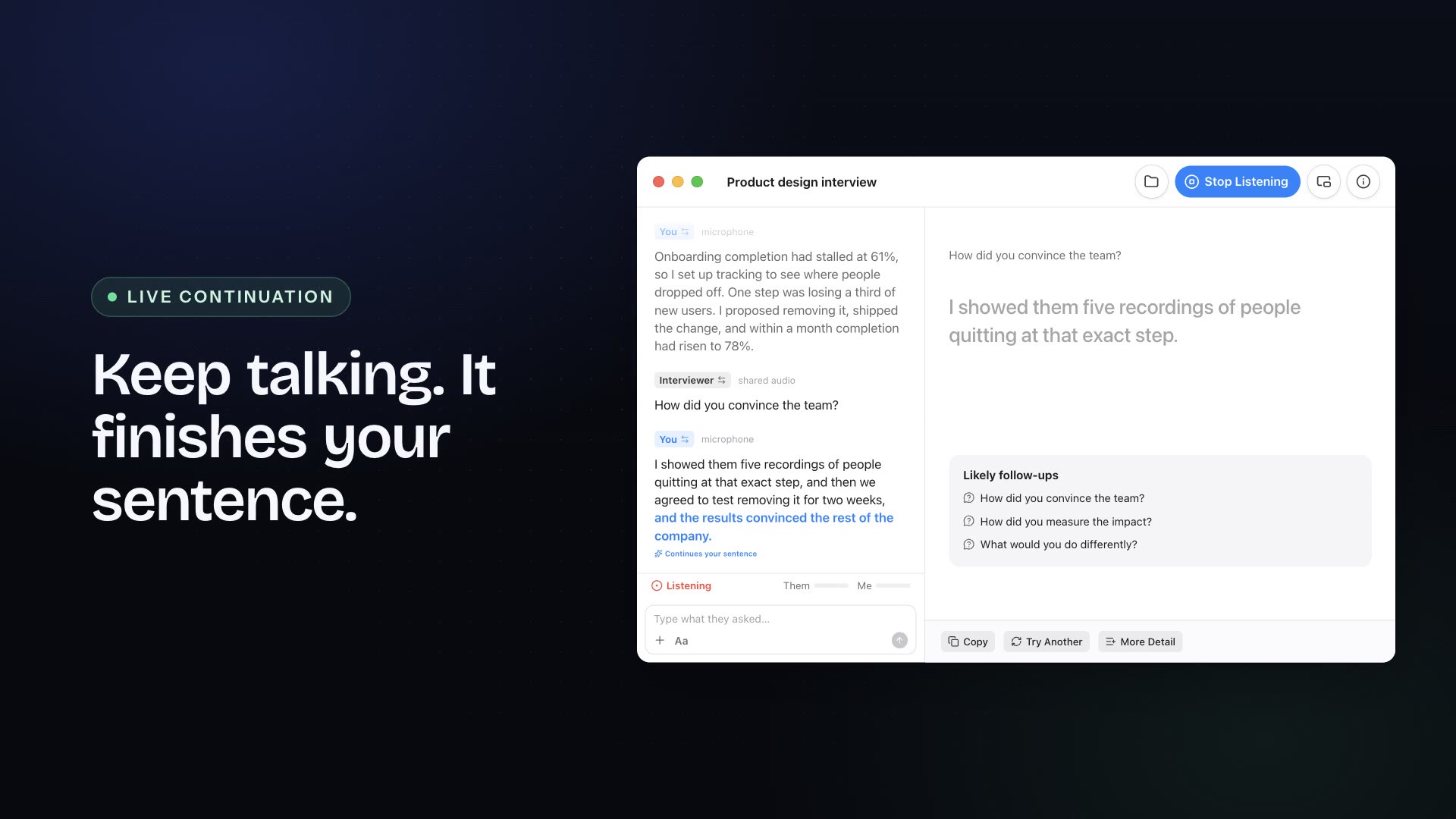
The question appears as it is spoken, followed by an answer you can say in your own words.
Instrument Serif Italic Numerals
Clear space and minimum size
Clear space. Keep a margin equal to half the height of the M (x) on every side. Nothing else enters that space.
Minimum size. Never smaller than 16 pixels high on screen or 5 millimetres in print. Below that, use the mark alone.
Do and don’t
Do
- Signal on paper
- Paper on ink
- Ink on paper
Don’t
- Don’t stretch or squash
- Don’t rotate
- Don’t add shadows or glows
- Don’t recolor outside the palette
- Don’t use more than one color
- Don’t place it where it can’t be read
- Don’t outline it
How to write about MagicInterview and how to show it. These guidelines are for our own team, for journalists, partners and anyone who refers to the product. For logo files or anything not covered here, write to support@magicinterview.ai.
The name#
The name is MagicInterview: one word, capital M and capital I, no space.
| Do | Don't |
|---|---|
| MagicInterview | Magic Interview, Magicinterview, magicinterview (except in the web address) |
| "MagicInterview helps you know what to say." | MI, M.I., Magic Int. |
| MagicInterview Pro | MagicInterview+, MI Pro |
| magicinterview.ai (the web address, lower case) | Magic-Interview.ai |
Use the name as a noun and do not turn it into a verb. Never split it, even in a possessive: "MagicInterview's apps" is right, "Magic Interview's apps" is not. Describe the product as a live conversation copilot for interviews, meetings and sales calls. Do not call it a bot that joins calls, because it does not.
The logo#
The mark is an M drawn with straight strokes and square joins, with a lighter bar beneath it. It is a single shape, used in one colour at a time. The mark works on its own as an app icon, an avatar and a favicon, or beside the word MagicInterview.
Clear space. Keep a margin around the mark equal to half the height of the M on every side. Nothing else, text, image or edge, enters that space.
Minimum size. Do not show the mark smaller than 16 pixels high on screen or 5 millimetres in print. At small sizes, use the mark alone without the word.
Colour. Use signal blue on paper, paper on ink, or ink on paper. On a photograph or a busy background, place the mark on a solid ink or paper panel.
Please don't#
- stretch, squash, rotate, outline or add shadows or glows to the mark;
- change the proportions of the M or the bar beneath it;
- recolor it outside the palette below, or use more than one colour in it;
- set the word MagicInterview in another typeface when it appears beside the mark;
- place it on a background with too little contrast to read;
- use it in a way that suggests MagicInterview endorses or sponsors something it does not.
Colour#
Five colours carry the brand. Ink and paper do most of the work, and signal blue is for what matters most. Do not add more.
| Name | Hex | Use |
|---|---|---|
| Ink | #07090f | Text on paper, dark surfaces, the stage behind the live example |
| Paper | #f6f4ef | Light surfaces and text on ink. A warm off-white, never pure white as a brand surface |
| Signal | #3d63ff | Primary actions, links, the one thing on the screen that should be seen first |
| Glow | #7f9cff | Soft emphasis, hover and focus on dark surfaces, gradients with signal |
| Live | #3be39a | Only for "listening now" and other live states. Rare on purpose |
Check contrast before pairing colours. Ink on paper, paper on ink and glow on ink are strong enough for body text. Signal on paper or on ink suits large text and controls; use ink or paper for body copy.
Typography#
- Bricolage Grotesque is the display face, for headlines and the largest type.
- Instrument Sans is the text face, for body copy, interface and captions.
- Instrument Serif, in italic, is for numerals and a single emphasized figure, such as 78 percent. It is an accent, not a body face.
All three are open source typefaces. If they are not available, fall back to a clean system sans for text and a system serif italic for numerals. Do not set long copy in the display face.
Voice and tone#
MagicInterview speaks the way a good colleague would: plain, calm and specific.
- Plain. Short sentences and everyday words. Say "ask" where a brochure would say "engage". If a ten-year-old could not follow it, rewrite it.
- Calm. No hype, no exclamation marks, no urgency we do not feel. Interviews are stressful enough. We are the quiet part.
- Specific. Say what happens, with numbers and names. "The question appears as it is spoken" beats "a seamless experience".
| Instead of | Write |
|---|---|
| Revolutionary AI-powered assistant that supercharges your career | It listens to your interview and suggests what to say next |
| Unlock your full potential | Know what to say |
| Your data is safe with us | Audio is not stored. A voice sample is kept only as a numeric profile |
| Oops! Something went wrong | The microphone is turned off. Allow it in Settings, then try again |
We tell people the truth about limits. Suggestions are written by AI and can be wrong, MagicInterview should be used where assistance is allowed, and a feature that needs Pro says so up front. Write the same way in every language: the point is clarity, not a literal translation.
Screenshots and imagery#
Show the real product, in the real languages. Use screenshots from the current version with sample content that is plainly sample, never a real person's CV or conversation. Do not mock up features that do not exist.
Referring to MagicInterview#
You may use the name and logo, within these guidelines, to say that you have used, reviewed, integrated or written about MagicInterview. Do not imply that MagicInterview is a partner or endorses you without our written agreement.