Their question, then your reply
The client's question appears as it is spoken, followed by a clear reply you can say in your own words, with likely follow-up questions.
MagicInterview listens as your client speaks and suggests what to say next, grounded in the client brief and notes you add. Answer questions and objections with the facts in front of you.
The client's question appears as it is spoken, followed by a clear reply you can say in your own words, with likely follow-up questions.
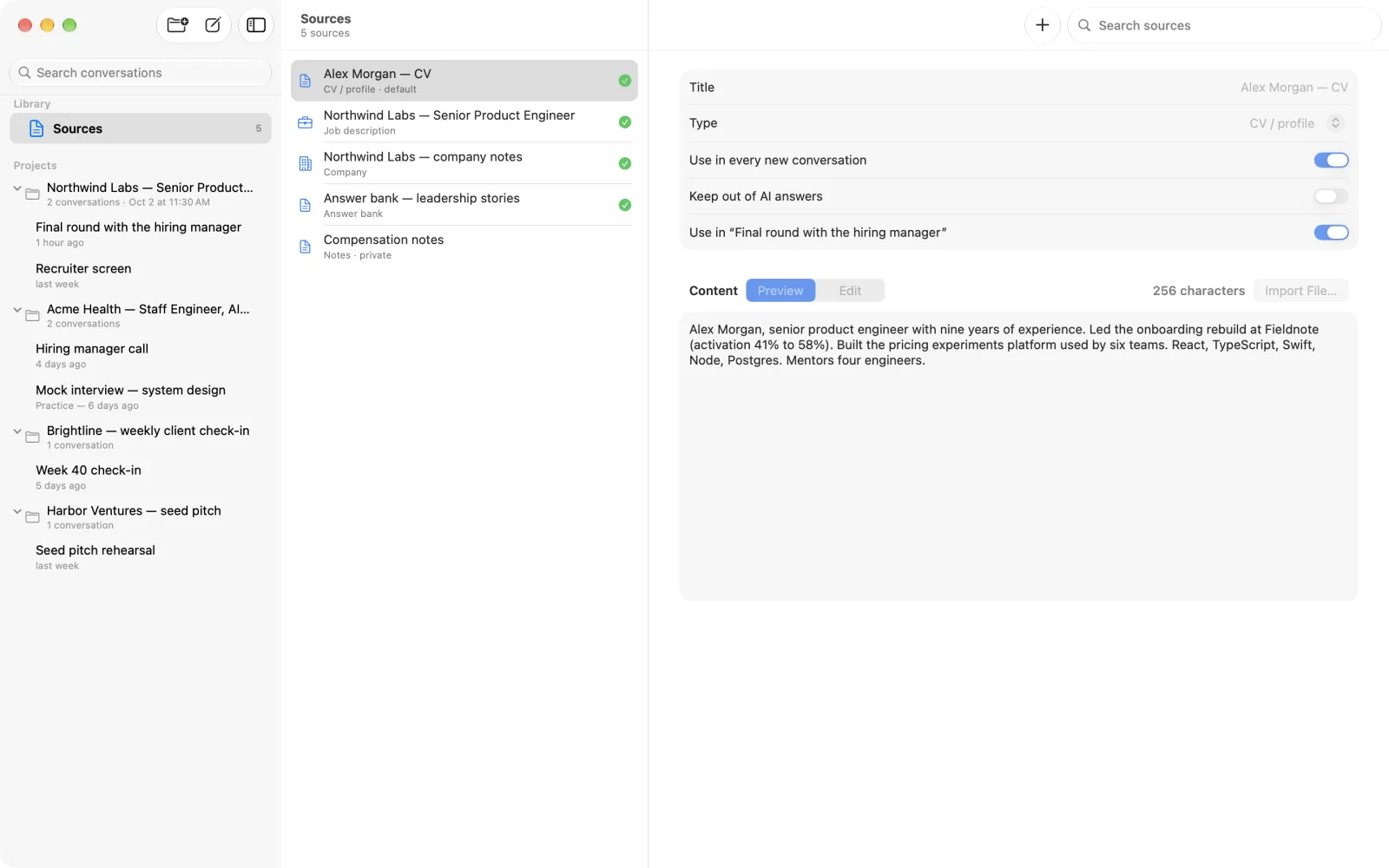
Add the client brief, what you offer, and your notes. Each suggestion uses that material, so replies stay specific to this client.
With Pro, Research Online looks up the organization on the public web and adds the notes, with links, to the project as a source.
Keep the calls with a client in one project, with one brief, the same sources, and the language you speak with them.
Use the web app on your computer and let it listen to the call's browser tab or your microphone, or keep the answer on your phone in Focus mode.
It follows your call and helps you respond. MagicInterview shows the client's question as it is spoken and suggests a clear reply based on the brief and notes you added.
Add the client brief, what you offer, and any notes from earlier calls. MagicInterview uses this context to shape each reply.
No. MagicInterview does not join the call. In the browser, it listens to a shared tab or screen with its audio, or to your microphone.
Yes, with Pro. Research Online looks up the organization on the public web and adds the notes, with links, to the project as a source.
Yes. Each project has its own language, and answers can be in the conversation's language.
Buy a one-month, one-year or lifetime Pro plan in Web Settings, or use a native app store where available. Pro works across devices when you sign in to the same account.
Use it on the web today, install it on Windows, or get the Android app.