Guide

Bring your MagicInterview workspace into ChatGPT

Add MagicInterview as a custom MCP server in ChatGPT, authorize with OAuth and start with your saved projects.

By MagicInterviewLast updated
  1. Create your free workspace

    Create a MagicInterview account and save your CV, role details or notes in a project. If you already have an account, sign in with the same account when connecting your assistant.

    Create free account · Sign in

  2. Add the custom MCP server

    In ChatGPT on the web, open Plugins → + → Add custom MCP server. Name it MagicInterview and enter the HTTPS server address shown below.

  3. Connect with OAuth

    Configure OAuth, review the acknowledgement and choose Create as plugin. Follow the sign-in prompts to authorize your MagicInterview account.

  4. Try your first request

    Ask “List my MagicInterview projects.” Then choose a project to work with. Your assistant may ask for permission before making changes.

All apps and AI assistant guides

When to open MagicInterview#

Use your connected assistant to work with your projects and saved context. Open the MagicInterview app for live listening, voice and screenshot features during a call. Cloud coaching requires Pro; connecting an assistant does not include a Pro subscription.

You sign in with OAuth. You do not need to create or paste an API key.

Check your ChatGPT workspace#

Full read and write support is available on Business, Enterprise and Edu on the web, subject to workspace permissions. Pro custom MCP connections support read and fetch operations only. Availability and controls can vary by workspace. This guide describes a custom connection; it does not mean MagicInterview has an approved ChatGPT directory listing.
See OpenAI’s current custom MCP server instructions.

Keep your next answer in view
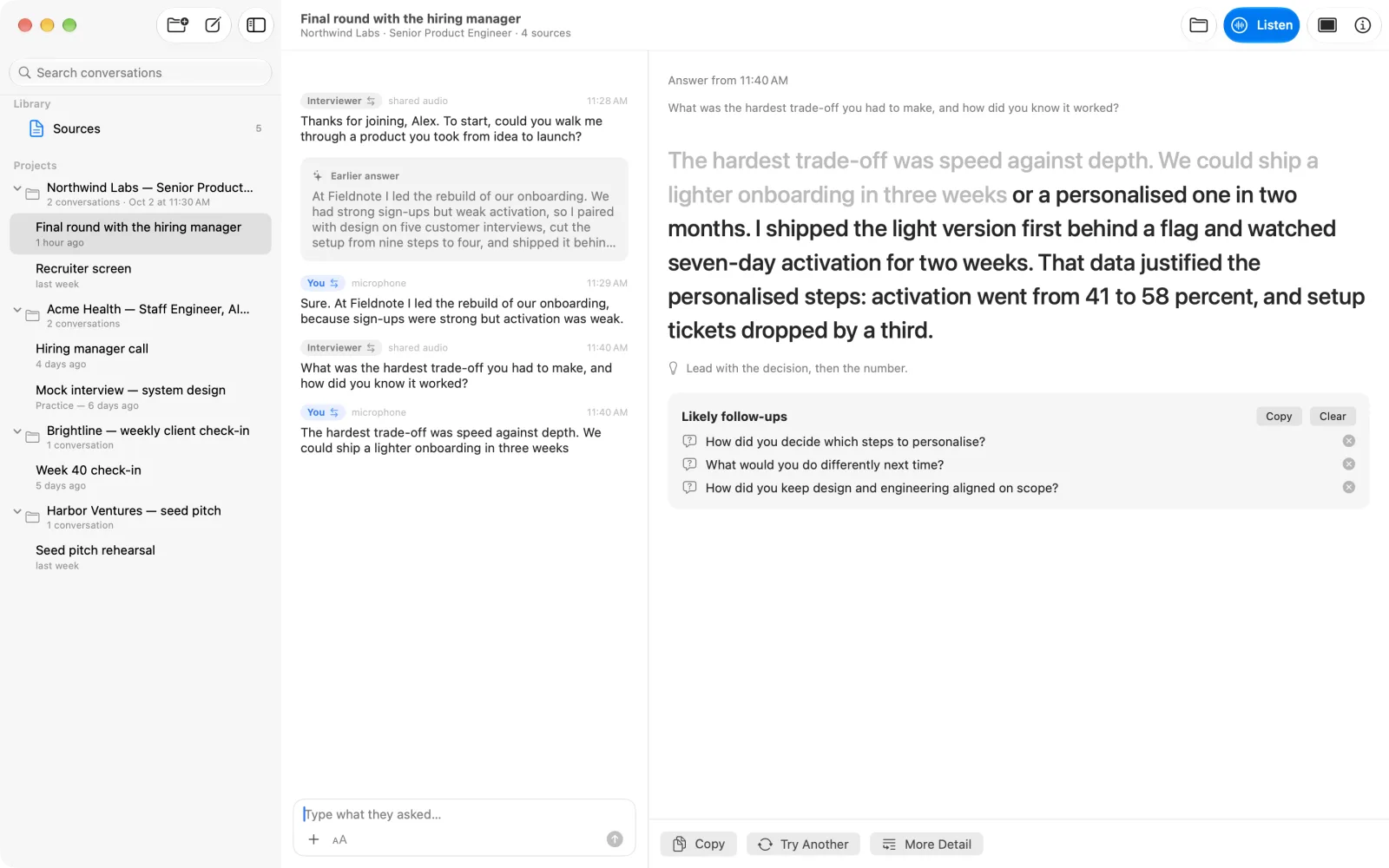
MagicInterview Coach showing an example conversation beside its suggested answer
Illustrative product example · Add your own CV, role or meeting brief.
Your next step

Prepare free. Get live help when it matters.

Pro uses your saved context to suggest what to say during interviews and meetings, with voice practice before the conversation.

  1. 1. Try a free preparation previewNo account needed. Start with your own project story.
  2. 2. Keep your context in a free accountSave and review your CV, briefs and conversations.
  3. 3. Unlock Pro for the conversationLive coaching, cloud speech, spoken practice and research.
€11.99 for one month of ProOne payment. No automatic renewal.

Create an account or sign in, then review the price before paying. Creating an account is free and does not charge you. Store plans have their own prices and renewal terms.

Explore all guides and tools