Before you download#
This is the Mac app. The Apple listing is not an iPhone or iPad download.
For download details and device compatibility, see the official Mac App Store listing.
Download MagicInterview from the Mac App Store, sign in and prepare your first conversation. Requires macOS 15 or later.

Open the official MagicInterview listing and download the app. You need macOS 15 or later.
Use your existing MagicInterview account to keep your projects together, or create a free account.
Add your CV, role details or notes to a project so your suggestions have the right context.
Open Coach for your conversation. Allow the permissions requested for the features you choose to use. Cloud coaching requires Pro.
This is the Mac app. The Apple listing is not an iPhone or iPad download.
For download details and device compatibility, see the official Mac App Store listing.
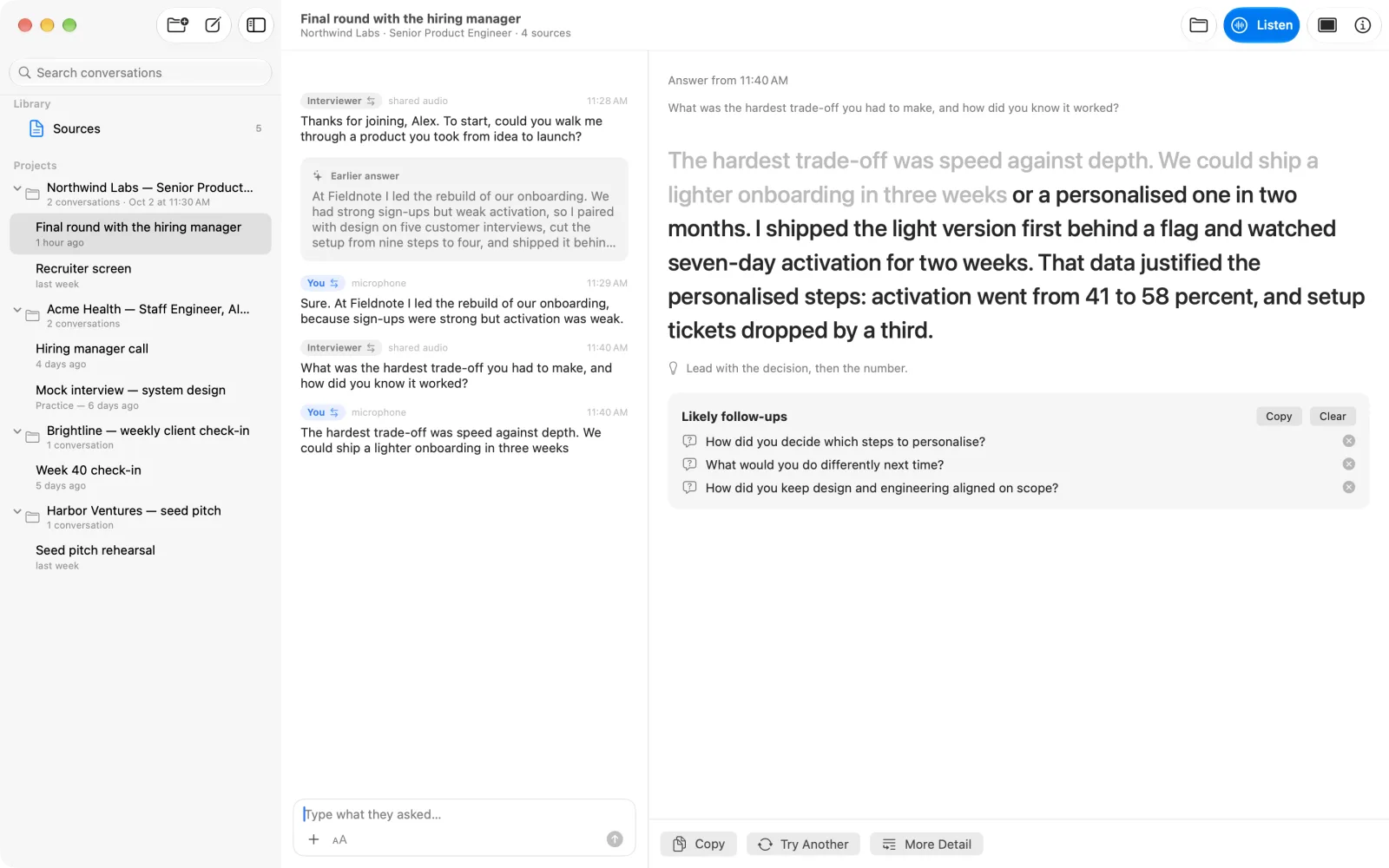
Pro uses your saved context to suggest what to say during interviews and meetings, with voice practice before the conversation.
Create an account or sign in, then review the price before paying. Creating an account is free and does not charge you. Store plans have their own prices and renewal terms.