
Guide

Introduce the work that matters for this role

Build a short introduction from your current work, one relevant example and the reason this role fits.

By MagicInterviewLast updated

An introduction is a selection task: choose the facts that help the interviewer understand your fit for the actual role. Your whole career chronology rarely belongs in the first answer.

A three-part draft#

Start with the work you do now, name one example relevant to the role, then explain what you want to contribute next. A fictional operations example might begin: “I work on team handoffs. Recently I mapped a recurring ownership gap and introduced a shared checklist. I want to bring that process-design experience to a larger support team.” Replace every detail with your own work; the example is not a customer story.

Test the follow-up#

Can you explain what changed, what you personally owned and what the checklist showed? Practise those questions before polishing the opening. Try the free preparation preview with the real job description and your project story. Use the story map when you need to reconstruct the evidence. Your goal is a clear starting point for the conversation, not a memorized speech.
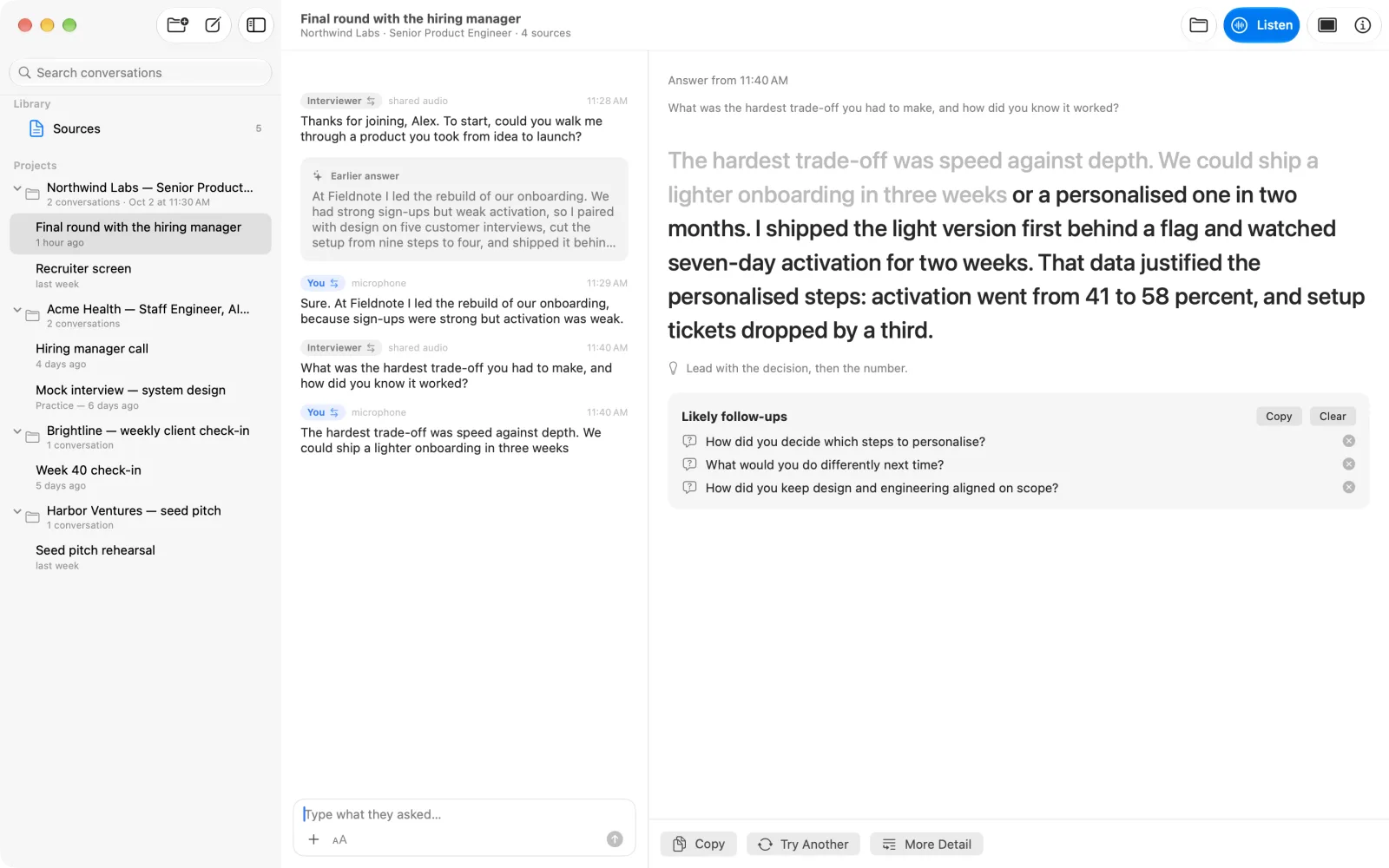
Keep your next answer in view
MagicInterview Coach showing an example conversation beside its suggested answer
Illustrative product example · Add your own CV, role or meeting brief.
Live help with Pro

Bring your context. Get words to say live.

Pro recognizes the conversation and uses your CV, job description or meeting brief to suggest what to say in real time. Start listening once for automatic live suggestions. With the Mac app, follow the answers on a synced phone while you share your computer screen.

  1. 1. Choose Pro for live answersGet real-time suggestions during your interview or meeting.
  2. 2. Add your own contextCreate a free account to save your CV, job description or meeting brief.
  3. 3. Start listening during your callKeep suggested words in view while the conversation continues.
€49.99 for 48 hours of ProOne payment. No automatic renewal.

Create an account or sign in, then review the price before paying. Creating an account is free and does not charge you. Store plans have their own prices and renewal terms.

Try the free preparation preview

Explore all guides and tools