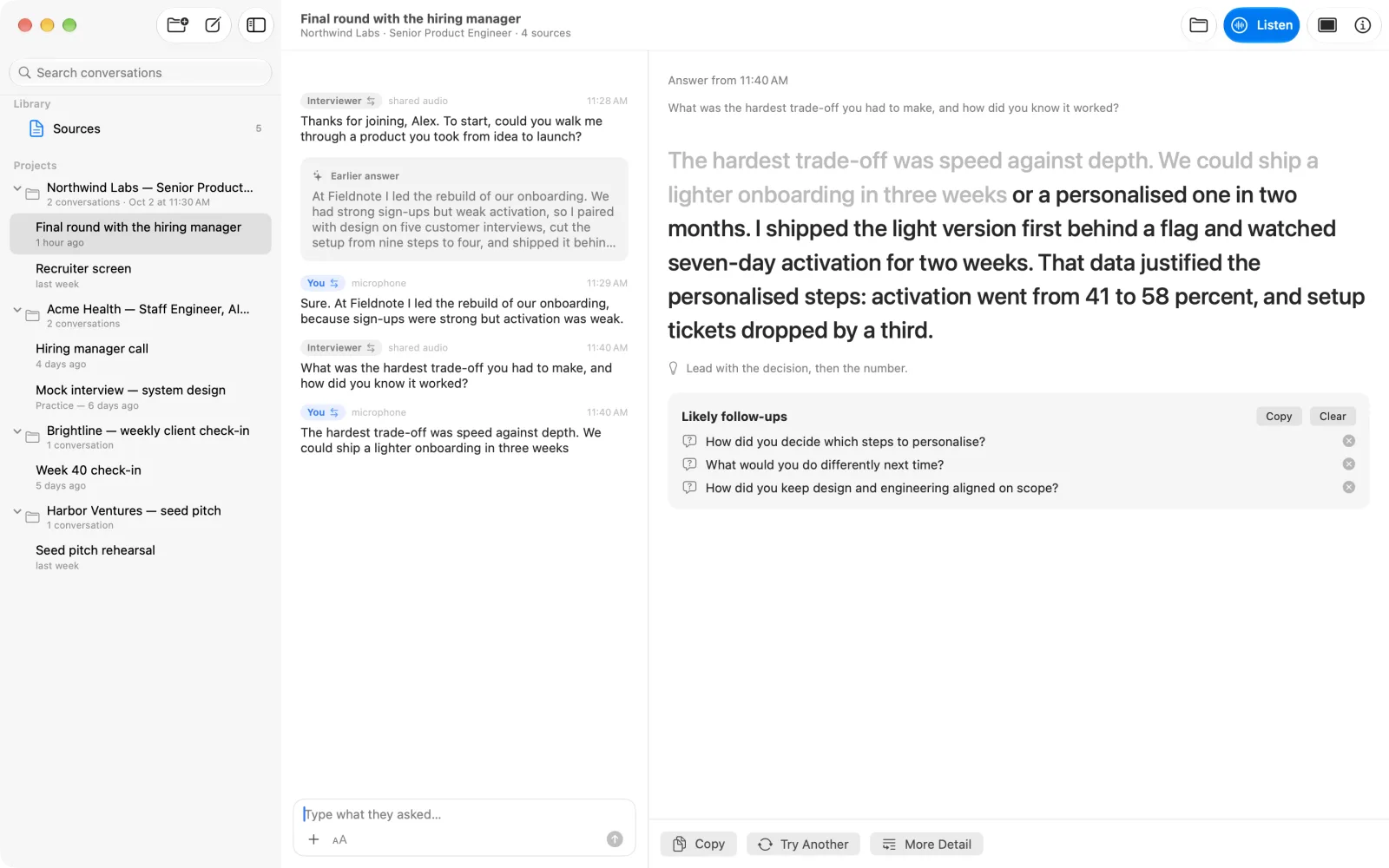
The first answer often names a success. The follow-up asks whether you understand how it happened. Use a branch, not a memorized paragraph: every answer should point to a decision or fact you can defend.
A product scenario#
First question: “Tell me about a feature you changed after launch.” Your answer says users missed a key action. Branch one: How did you know the problem was the interface? Branch two: Which other explanation did you test? Branch three: What would you measure after the change? If you lack data for a branch, say what you would verify, without inventing a result.
A technical scenario#
First question: “Describe a production incident you handled.” Branch one: What was your first signal? Branch two: Which mitigation reduced harm? Branch three: How did you distinguish the cause from a correlated symptom? Branch four: What prevention did you implement? Draw on your own incident; the prompts are only a rehearsal framework.
A working drill#
Choose one card from your technical story bank. Speak for one minute, pick the least comfortable branch and answer in thirty seconds. Then compare every factual claim with your notes. Behavioral practice offers a people-and-decision angle; MagicInterview practice can use your chosen context for spoken rehearsal under its Pro terms.
Check the answer before the next branch#
Paste your rehearsal answer into the evidence checklist and identify which claim you would need to support if challenged. The free preparation preview supplies three questions from a role description and your own project story. Keep your written first answer, second answer and next practice action as a short debrief.