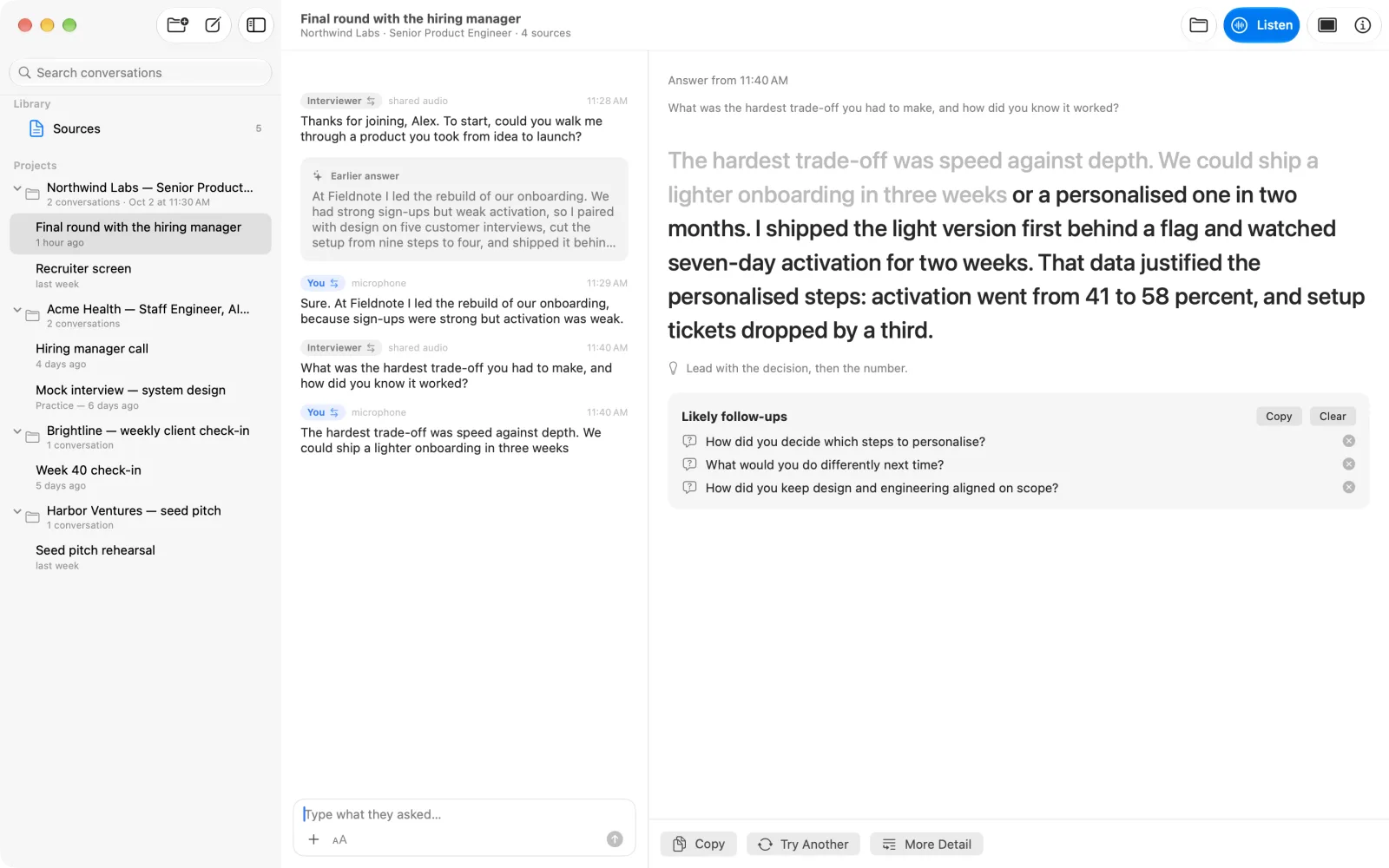
There is no single legal answer for every interview, meeting, country and way of using MagicInterview. A useful check separates four questions: what the assessment or meeting permits; whether participants know about and permit the relevant audio use; what personal data is processed; and what law applies in the location and relationship involved.
Start with the use case#
Practicing your own story before an interview differs from receiving help during a restricted assessment. For example, micro1's candidate terms require original unassisted answers unless assistance is expressly permitted. A call with client audio adds a separate data and confidentiality question even where assistance itself is welcome. See the interview rules guide and MagicInterview acceptable use.
Check the applicable source#
For organizational call monitoring in the UK, the Information Commissioner's Office guidance explains the need to assess a lawful basis, fairness and transparency. Its call-monitoring guidance addresses informing callers about recording. In Spain, the BOE text of Organic Law 3/2018 sets out national data-protection provisions, including how consent is defined when consent is the basis. These sources do not make consent the sole basis for every processing activity or resolve every call's recording law.
Before using a live setup, identify the jurisdiction, organizer or employer policy, participant notice, permitted source material and actual processing mode. Read the privacy policy and on-device versus cloud guide for product-specific choices. If a rule remains unclear, obtain the relevant organizer's answer before the live use. This page is a decision checklist, not a universal legal clearance.
Choose the workflow before the legal question#
| Intended use | Source to resolve first |
|---|---|
| Rehearse before an interview | Rules for the material you supply |
| Receive assessment suggestions | Exact assessment instructions and provider terms |
| Process work-call audio | Applicable law, organizational policy and notice or permission requirements |
| Share a recording afterward | Retention, disclosure and confidentiality rules |
For preparation using your own story, the free text preview avoids setting up call capture. It does not establish that a later live use is allowed.