
Guide

Describe a weakness and the change you made

Prepare a weakness answer with a specific behavior, its consequence and evidence of the change.

By MagicInterviewLast updated

Choose a real behavior you can discuss professionally. “I care too much” gives the interviewer little to examine; a concrete example lets you explain what you learned.

Show the change#

Name the behavior, explain one consequence, then describe the action you took. For a fictional example, someone who waited too long to share unfinished work might say they began asking for an early review at a fixed milestone. The result could be better timing of feedback, if their own records support that observation. Do not add a success percentage because the answer sounds stronger with one.

Practise the challenge#

What alerted you? What do you still find difficult? How would a colleague describe the change? Prepare an honest response to each. Use the evidence checklist to separate an observation from a measured result and the answer check to find wording you can simplify. A weakness answer should show a specific improvement process; it does not need to suggest the weakness has disappeared.
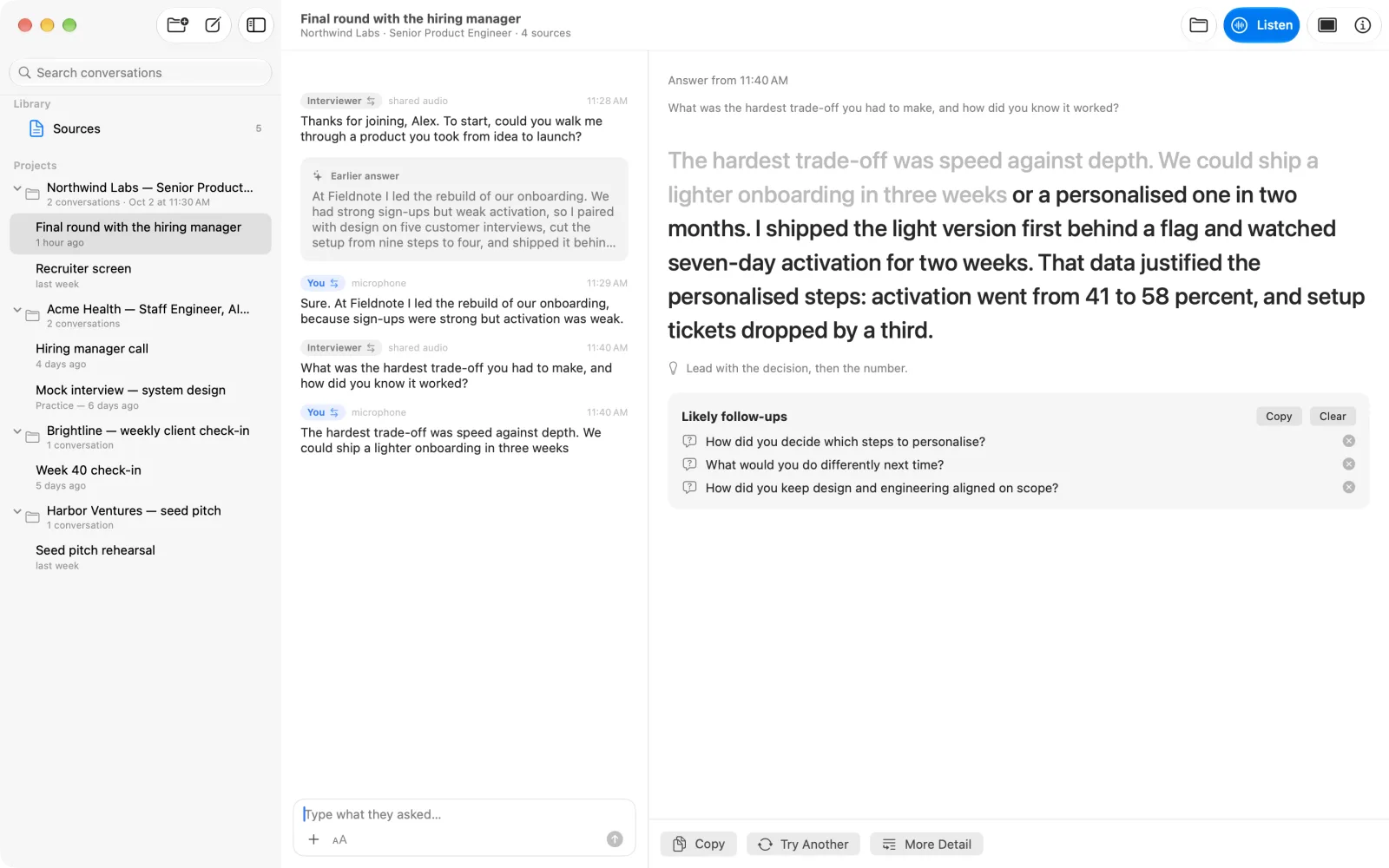
Keep your next answer in view
MagicInterview Coach showing an example conversation beside its suggested answer
Illustrative product example · Add your own CV, role or meeting brief.
Live help with Pro

Bring your context. Get words to say live.

Pro recognizes the conversation and uses your CV, job description or meeting brief to suggest what to say in real time. Start listening once for automatic live suggestions. With the Mac app, follow the answers on a synced phone while you share your computer screen.

  1. 1. Choose Pro for live answersGet real-time suggestions during your interview or meeting.
  2. 2. Add your own contextCreate a free account to save your CV, job description or meeting brief.
  3. 3. Start listening during your callKeep suggested words in view while the conversation continues.
€49.99 for 48 hours of ProOne payment. No automatic renewal.

Create an account or sign in, then review the price before paying. Creating an account is free and does not charge you. Store plans have their own prices and renewal terms.

Try the free preparation preview

Explore all guides and tools