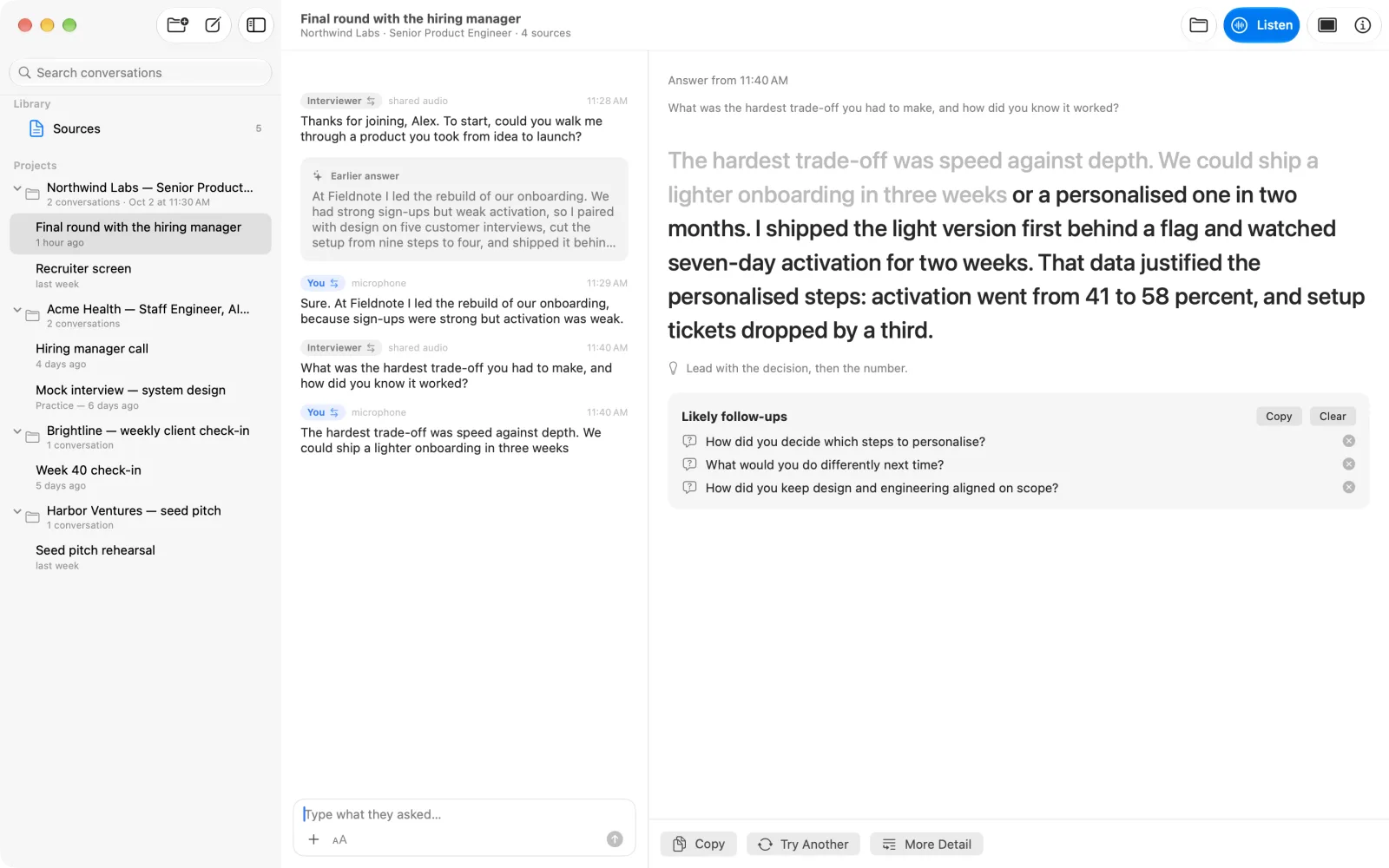
Meeting notes and live coaching solve different moments. Notes help you review what was said, find a decision and assign follow-ups. Coaching aims to help you form a useful next response while the conversation is still happening. A team can need both, but the choice begins with the task.
| Your task | Look for |
|---|---|
| Remember decisions after the call | Accurate capture, search, summaries and sharing controls |
| Prepare a difficult point before the call | A brief, source material and spoken rehearsal |
| Respond to a new objection during the call | Permitted, reliable input and context you trust |
Zoom, Teams and Google Meet describe their own AI meeting options. Independent note products such as Otter also publish current feature and plan details. Check their current settings, rather than assuming any product captures the same audio or provides the same answer.
For MagicInterview, prepare a meeting brief and read the meeting workflow. If live input matters, test the exact Meet, Zoom or Teams route with permission before relying on it. Compare Otter for a more focused notes-versus-response decision.
Define the deliverable before choosing#
Complete: “After this call, I need ___.” A searchable record, a decision with owners and a rehearsed response are different deliverables. For a record, test one known decision in the note product and retrieve it later. For a response, rehearse one objection from your brief and inspect each promise. Score capture quality separately from answer usefulness.